Stronger learning gains
Retail trainees using VR achieved a significantly greater improvement in domain-specific knowledge than the comparison group.

Award-winning virtual training platform
Multi-device immersive training and collaborationRun interactive 3D learning and work environments across VR, desktop, tablet and smartphone - one shared world, every screen. VR headset optional.
Every ToolboxVR world is a space you move through - explore it at a glance or walk it at real scale. The same room works in VR, on a desktop, a tablet or a phone.
See it in action
One install, unlimited worlds. Deploy once, then add and update worlds continuously - without reinstalling or redistributing the app.
Immersive Learning AWARD winner
At the LEARNTEC Expo 2024 - Europe's leading trade fair for digital learning - ToolboxVR won an Immersive Learning AWARD as a cross-platform VR learning and collaboration system.
The long-running EBS School Project helps retail apprentices practise store design, customer flow, product placement and shelf layout inside a virtual supermarket.
Retail trainees using VR achieved a significantly greater improvement in domain-specific knowledge than the comparison group.
Research documented stronger mental engagement when learners could explore and solve tasks inside the virtual environment.
Apprentices learn through realistic retail decisions instead of treating workplace knowledge as an abstract classroom exercise.
Immersive VR-based instruction in vocational schools: effects on domain-specific knowledge and wellbeing of retail trainees - Kablitz, Conrad & Schumann, 2023.
AI characters you can hold a real conversation with, live polls and quizzes, a save system that opens worlds ready to go and a smarter way to handle every object.
Walk up, press Talk and have a real spoken conversation. Characters answer in their own voice, look you in the eye and stay in role - as a guide, a host, a customer or a coach.
Present a question or a full quiz inside the world and watch every answer arrive in seconds. Reveal the results, then get a report with an AI-written summary.
Set up a classroom, a workshop bench or a whole expo floor once and save it. Make it the world's startup save and every session opens exactly that way - nothing to rebuild before your clients arrive.
A ghost preview shows exactly where an item will land. Snap it onto shelves and grids, stack it, connect pipes end to end, or pass it straight to a colleague in VR.
Also in 6.5: Unreal Engine 5.7, sharper VR visuals, lighter worlds, overhauled spatial voice and a faster, safer web backend.
See it in a demoDrop in living objects your team can grab, present, configure and explore - the same in VR or on a phone.
Swap images, signage and slides live.
Play PDFs, video and presentations in-world.
Drop configurable objects for hands-on tasks.
Step inside models at full relative scale.
Use live websites on a surface in the room.
Sketch and brainstorm together in real time.
Talk to guides and role-players that answer in their own voice.
Quiz the whole room and see answers arrive in seconds.

Admins swap posters, PDFs, media, branding and AI characters, build live polls and quizzes, and choose the scene each world opens with - straight from the web backend. Changes land everywhere instantly: no rebuilds, no redeploys, no app-store updates.
Open Admin Backend
People show up as avatars with positional voice, so conversations feel natural based on where everyone stands in the space.

Grab, place, snap and stack objects - with a ghost preview of exactly where they land - for real training, demonstrations and collaborative exercises, with teleport navigation anyone can use.
From the factory floor to the classroom - teams build, train and sell inside spaces that match the real thing.
All use cases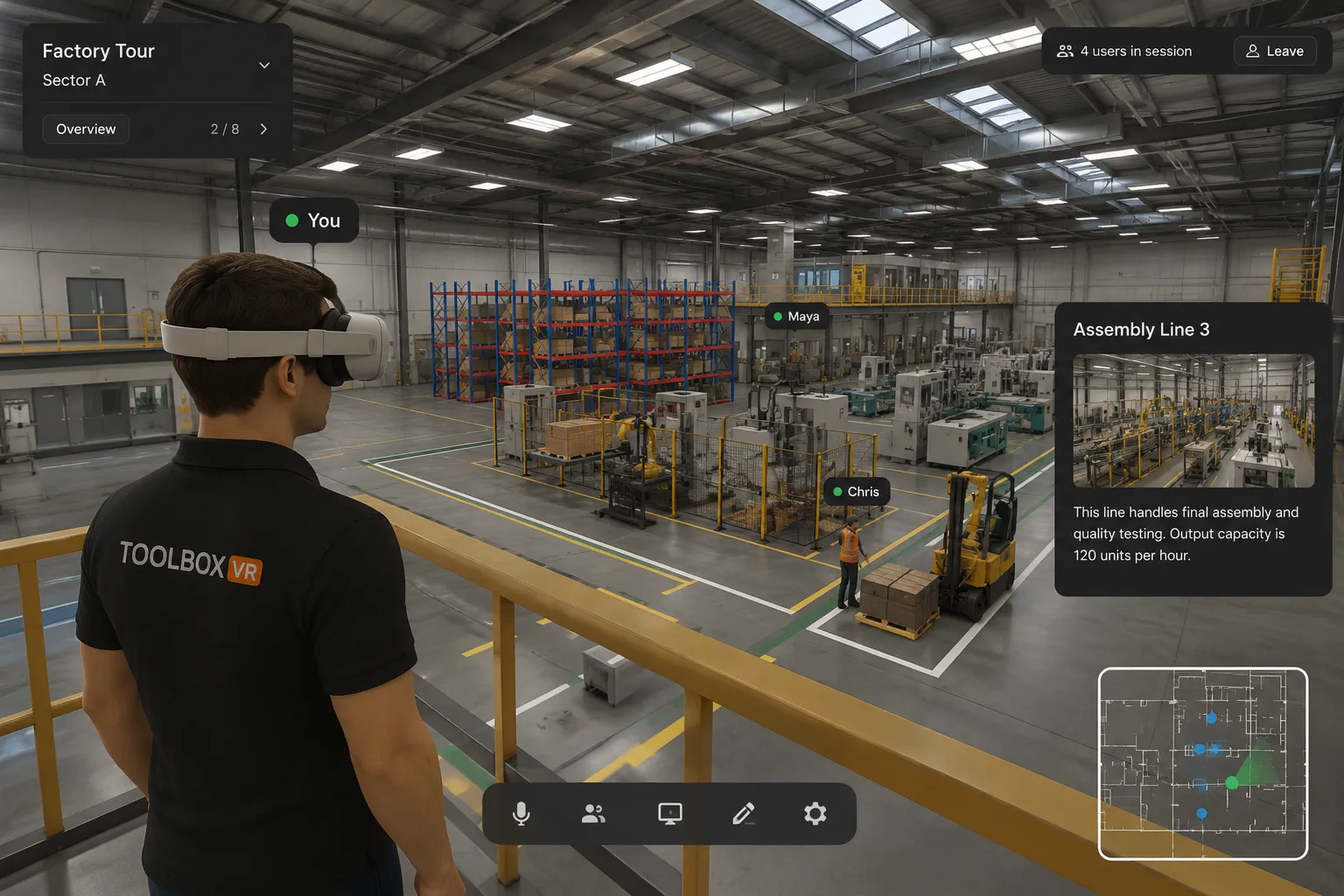
Recreate facilities and walk complex processes at real scale - no site visit required.
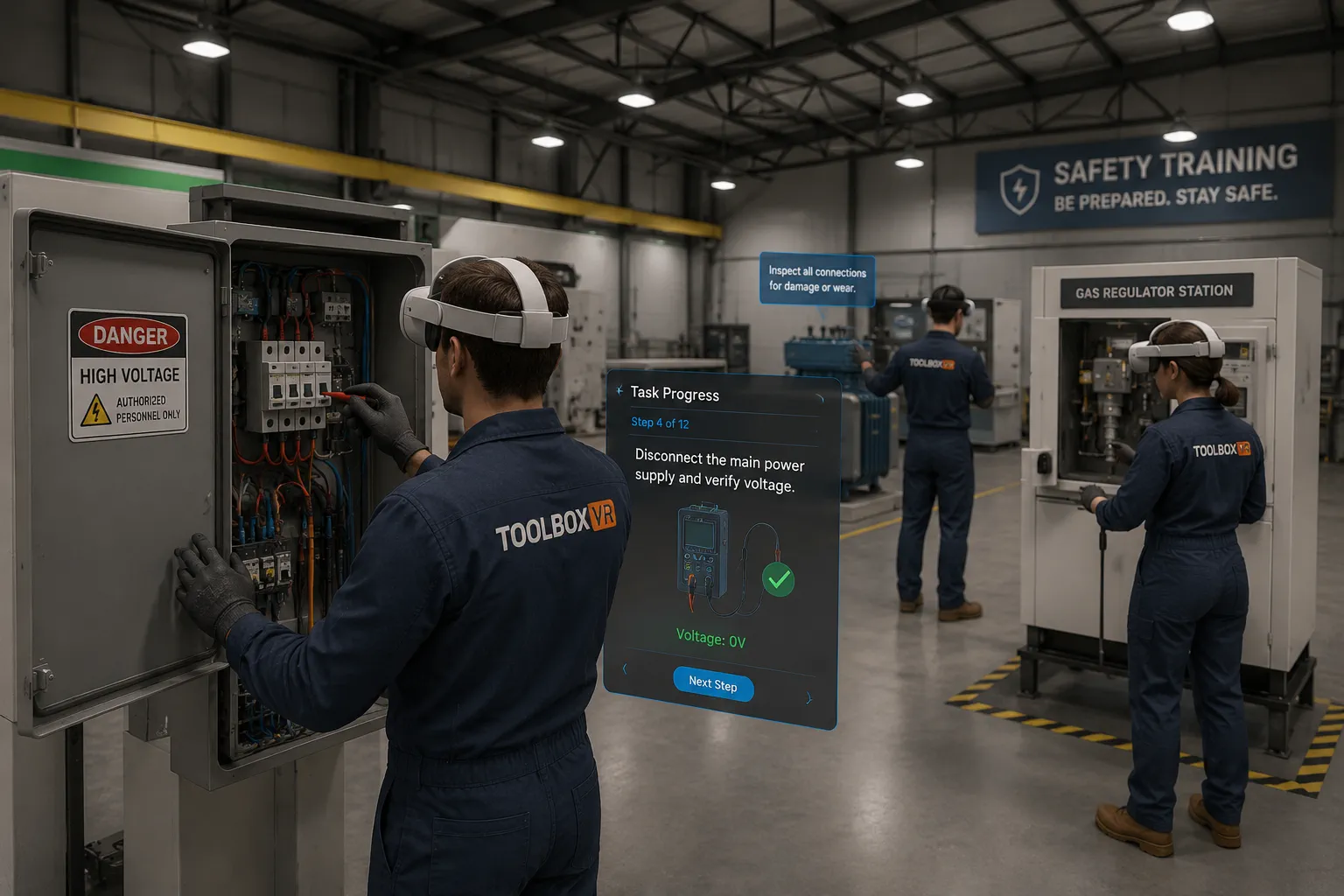
Practice dangerous procedures - electrical, gas, EV, heavy machinery - with zero real-world risk.
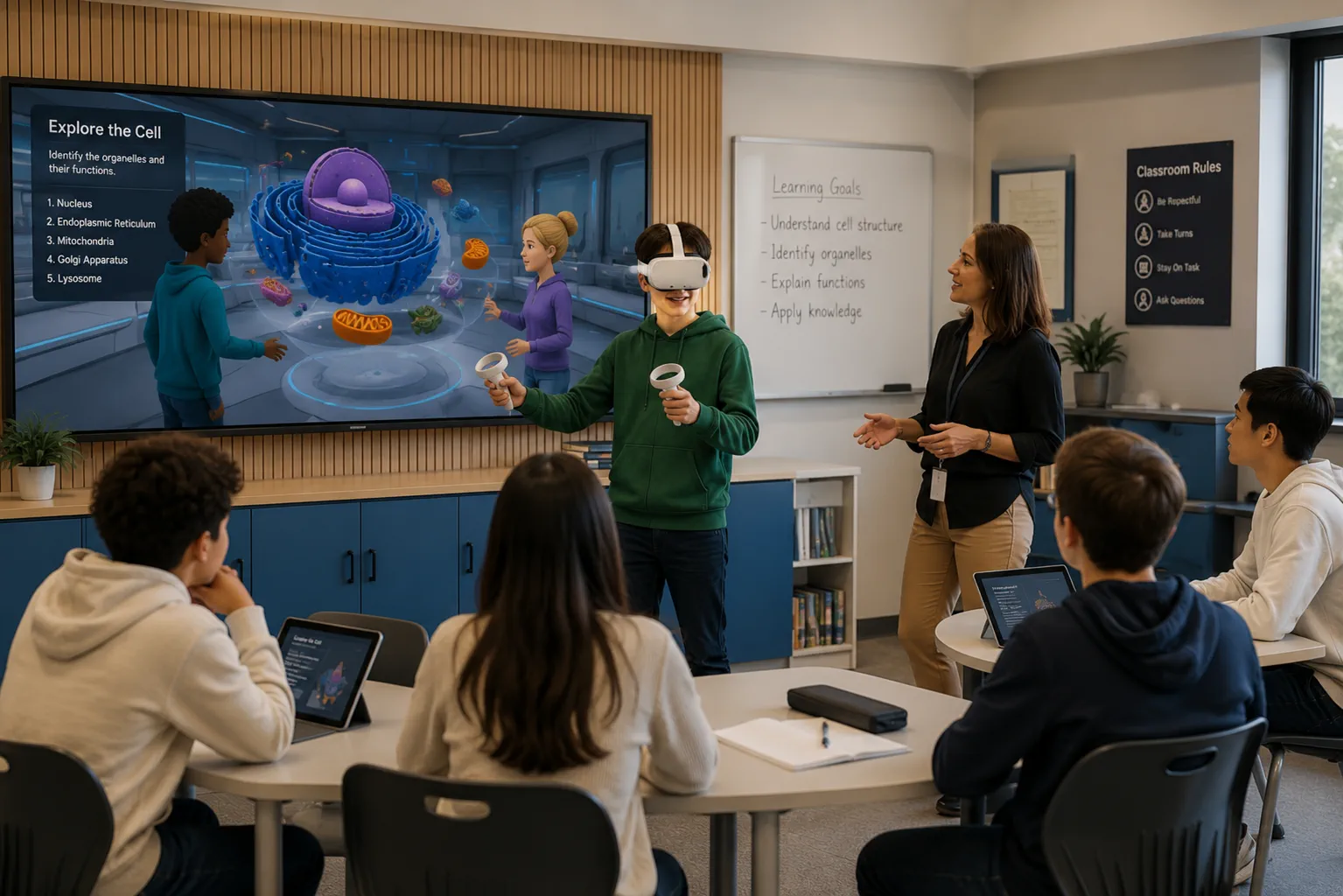
Students explore concepts instead of memorising them, with measurable engagement gains.
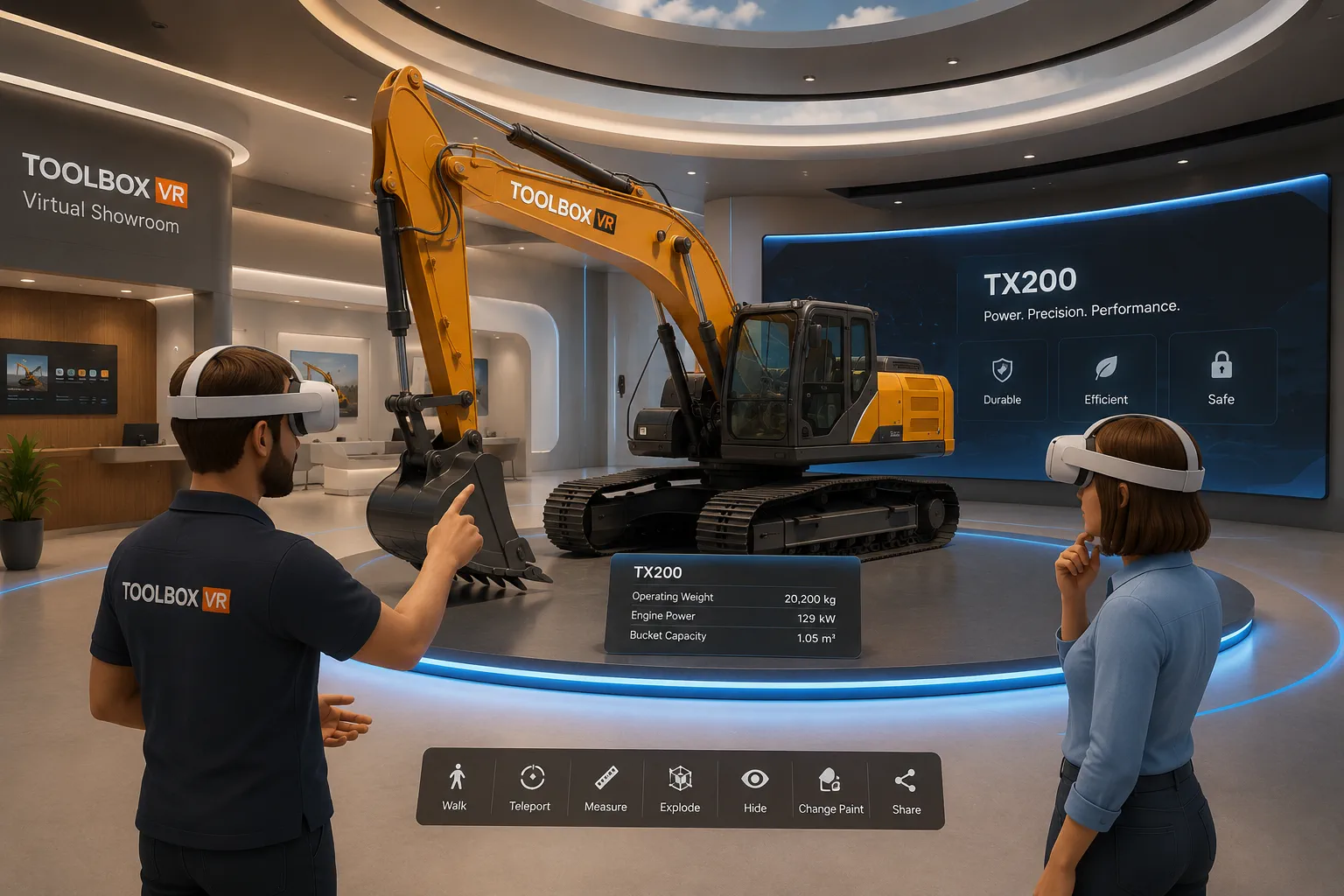
Let customers experience products and large systems interactively, guided live from anywhere.
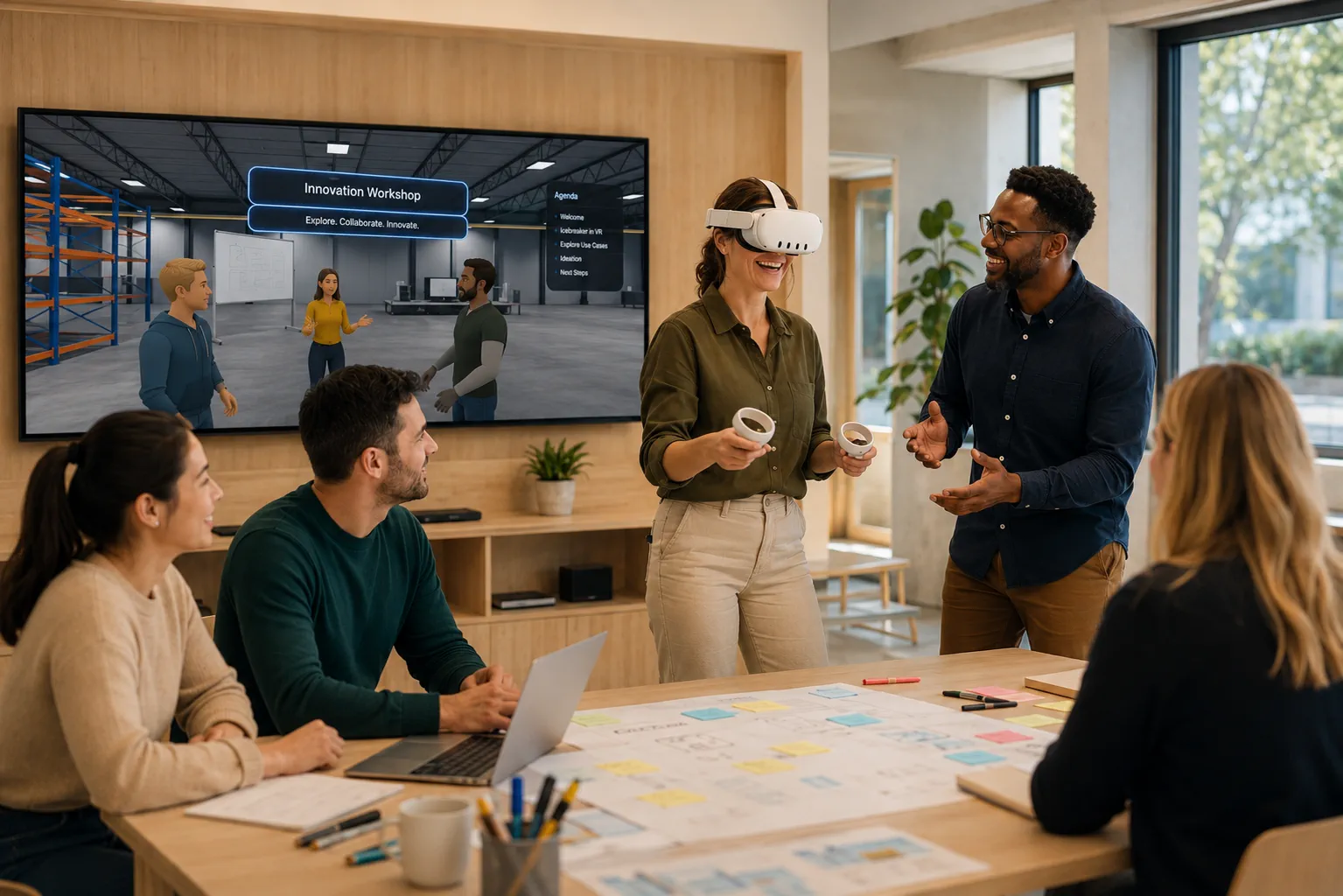
Bring audiences together for multi-user events, launches and guided experiences across devices.
GDPR-aligned infrastructure and data handling
No password friction, no real-name requirement
Available on app stores and direct download
Display names visible, private identity protected
Book a ToolboxVR Experience Day and let your team explore practical immersive use cases - across every device.


